

The Beginner’s Guide to Schema Markup for SEO (2026)
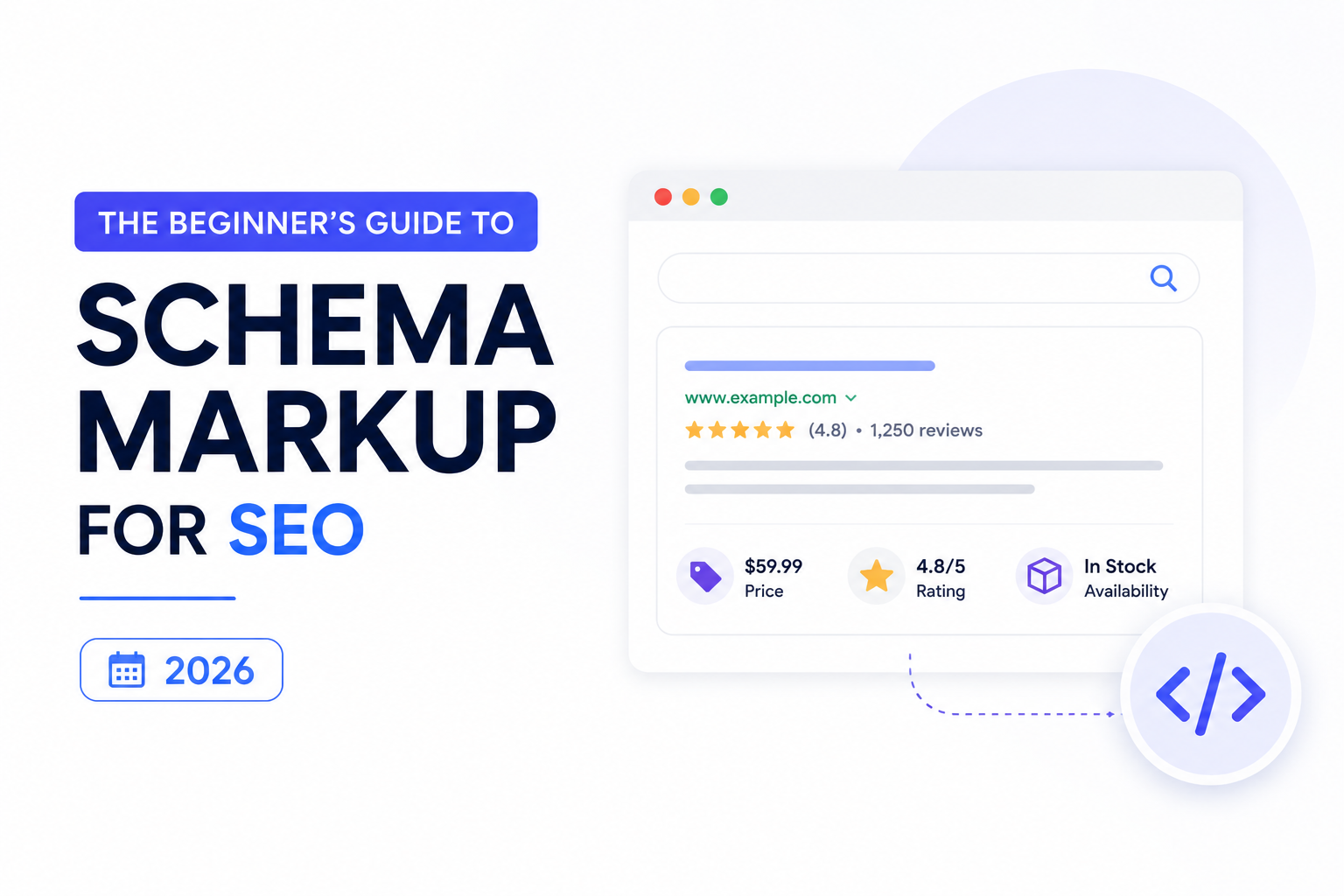
Schema markup is small bits of code (usually in JSON-LD format) that you add to your website to tell search engines and AI systems what your content actually means. Instead of making Google guess that a page is a recipe, a product, or an FAQ, schema tells it directly. In 2026, schema markup has become one of the highest-leverage technical SEO moves available — because it doesn’t just help you rank, it helps you get cited in Google AI Overview, ChatGPT, Gemini, and Perplexity.
There’s one technical SEO move that costs almost nothing, takes a few hours to implement, and consistently outperforms most of what brands spend their budgets on.
It’s been around since 2011. Most marketers have heard of it. And the majority of websites still don’t have it implemented properly.
That move is schema markup — and in the AI search era, it matters more than it ever has.
This guide explains what schema is, why it suddenly carries outsized weight in 2026, the seven schema types that actually move the needle, and exactly how to add it to your site — with copy-paste code examples you can use today.
What Schema Markup Actually Is
The cleanest way to think about schema markup: it’s a translator.
Your website’s HTML tells a browser how to display content. Schema markup tells a search engine — or an AI system — what that content means.
Without schema, a search engine sees a recipe page as a wall of text and tries to guess that it’s a recipe based on signals like the word “ingredients,” the use of measurements, and surrounding context. It usually guesses right. But “usually” leaves money on the table.
With schema, you remove the guessing entirely. The page contains a small block of code that explicitly says: this is a recipe, prep time is 15 minutes, serves four people, here are the ingredients, here are the steps.
That clarity is the whole point.
Schema markup follows a shared vocabulary maintained at Schema.org — a collaborative effort backed by Google, Microsoft, Yahoo, and Yandex. There are hundreds of schema types covering articles, products, businesses, events, recipes, courses, jobs, FAQs, how-tos, and more.
Schema can be written in three formats (Microdata, RDFa, JSON-LD), but Google strongly prefers JSON-LD — a clean, easy-to-read format that sits in your page’s <head> without touching your visible content. Everything in this guide uses JSON-LD.
Why Schema Matters More in 2026 (Not Less)
Some SEOs assumed AI search would make schema irrelevant. The opposite happened. Schema is now a load-bearing pillar of three different visibility surfaces at once.
1. Rich results in traditional Google search. Schema unlocks visual upgrades on the regular results page — star ratings, FAQ accordions, recipe cards, event details, product prices. These dramatically boost click-through rates even when your ranking position hasn’t changed.
2. Google AI Overview citation. AI Overview leans heavily on structured content when synthesizing answers. Pages with FAQPage, HowTo, and Article schema get cited at noticeably higher rates than equivalent unstructured pages. Schema is the most reliable way to signal AI Overview that your page is built to be quoted.
3. LLM understanding across ChatGPT, Gemini, and Perplexity. Large language models read schema during training and inference. When the model encounters a page with clear Organization schema, it learns who you are, what you do, and how you connect to other entities. Brands with strong schema get described more accurately when AI engines talk about them.
In short: schema isn’t a “rich snippet trick” anymore. It’s foundational infrastructure for AI search visibility.
The 7 Schema Types That Actually Move the Needle
There are hundreds of schema types. You don’t need most of them. These seven cover roughly 95% of the value for most businesses, ranked roughly by impact:
1. Organization Schema (Sitewide)
What it does: Defines your brand as an entity — name, logo, contact info, social profiles. Why it matters: This is the schema that teaches AI engines who you are. Without it, LLMs build a fuzzy picture of your brand from scraps across the web. With it, they know exactly what your business is and which profiles belong to you. Where to put it: In the sitewide <head> (every page).
2. FAQPage Schema
What it does: Marks up question-and-answer content so Google can show it as expandable FAQ blocks in search results. Why it matters: Single highest-leverage schema for AI Overview citation. AI engines actively retrieve from FAQPage-marked content when generating answers. If you do one schema thing this week, do this. Where to put it: On any page with a real FAQ section.
3. Article Schema
What it does: Marks up blog posts and news articles with metadata — headline, author, date published, date modified, publisher. Why it matters: Tells Google and AI engines who wrote the content, when, and on whose authority. Critical for EEAT signals. Where to put it: Every blog post and editorial page.
4. HowTo Schema
What it does: Marks up step-by-step instructional content as a structured sequence of steps. Why it matters: Eligible for visual “how to” results in Google and heavily favoured by AI Overview for procedural queries. Where to put it: Any article structured as “how to do X.”
5. LocalBusiness Schema
What it does: Defines a physical business with address, hours, phone, geo-coordinates, and service area. Why it matters: Critical for local SEO and Google Business Profile alignment. Helps AI engines surface your business for “near me” queries. Where to put it: Homepage, contact page, and location-specific landing pages.
6. Product Schema
What it does: Marks up product pages with price, availability, reviews, ratings, brand, and SKU. Why it matters: Unlocks product-rich results in Google and is essential for e-commerce visibility in AI shopping experiences. Where to put it: Every product detail page.
7. Person Schema
What it does: Defines an individual — name, job title, organization, social profiles, credentials. Why it matters: Powers author authority. AI engines weigh “who wrote this” heavily. Person schema on author bios builds EEAT measurably. Where to put it: Author bio pages and About-Us team sections.
A Real Schema Example: Annotated
Here’s exactly what a combined Article + FAQPage schema block looks like — the kind you’d put on a blog post like this one.
json
<script type=”application/ld+json”>
{
“@context”: “https://schema.org”,
“@graph”: [
{
“@type”: “Article”,
“headline”: “The Beginner’s Guide to Schema Markup for SEO (2026)”,
“datePublished”: “2026-05-17”,
“dateModified”: “2026-05-17”,
“author”: {
“@type”: “Person”,
“name”: “SEO Mind Tech Growth Team”,
“url”: “https://seomindtech.com/authors/growth-team”
},
“publisher”: {
“@type”: “Organization”,
“name”: “SEO Mind Tech”,
“logo”: {
“@type”: “ImageObject”,
“url”: “https://seomindtech.com/logo.png”
}
},
“mainEntityOfPage”: “https://seomindtech.com/blog/technical-seo/schema-markup-beginners-guide”
},
{
“@type”: “FAQPage”,
“mainEntity”: [
{
“@type”: “Question”,
“name”: “What is schema markup?”,
“acceptedAnswer”: {
“@type”: “Answer”,
“text”: “Schema markup is structured code added to a webpage that tells search engines and AI systems what the content means.”
}
}
]
}
]
}
</script>
Three things worth noticing:
- @graph lets you combine multiple schema types in a single block. You can stack Article, FAQPage, and BreadcrumbList in one place — cleaner than three separate scripts.
- The author and publisher blocks are nested. This is how you build entity relationships — the Article has an Author, who is a Person; the Article has a Publisher, who is an Organization.
- Dates are in ISO 8601 format. Always YYYY-MM-DD. Other formats break validation.
You don’t have to write this from scratch every time. Most CMS plugins generate it automatically once configured.
Common Schema Mistakes (and How to Avoid Them)
Even agencies make these.
- Marking up content that isn’t visible to users. Google penalizes schema that describes hidden or non-existent content. Rule: if a user can’t see it on the page, don’t put it in schema.
- Using the wrong type. Don’t mark a blog post as Product. Don’t mark an FAQ as HowTo. Mismatched types get ignored at best, penalized at worst.
- Forgetting sameAs links in Organization schema. sameAs is how you connect your brand to its LinkedIn, X, YouTube, Crunchbase, and Wikipedia profiles. It’s the single most important entity-linking move available and most websites skip it.
- Adding schema and never updating it. If your address changes, your team grows, your products evolve — schema needs to update too. Stale schema gets devalued.
- Skipping validation. Untested schema is broken schema. Always validate.
- Stuffing schema with marketing language. Schema is for facts, not marketing copy. “The world’s best agency” doesn’t belong in a description field.
How to Add Schema to Your Site (No Code Required)
You don’t need a developer for most schema implementation.
If you’re on WordPress: Rank Math and Yoast SEO both handle the most common schema types automatically. Schema Pro and WP SEO Structured Data Schema offer deeper customization. Configure once at the site level; the plugin generates schema for every page.
If you’re on Shopify: Most themes include Product schema by default. For deeper schema (FAQ, Article, Organization), use apps like Schema Plus or JSON-LD for SEO.
If you’re on Webflow, Squarespace, or Wix: These platforms ship with limited schema. You’ll usually need to add JSON-LD manually to the <head> via custom code embeds. Tools like Merkle’s Schema Markup Generator produce paste-ready code.
If you’re on a custom-built site: Your developer can add JSON-LD to your templates. Use Schema.org’s documentation as the source of truth. Or use a schema generator and have a dev wire it into your CMS templates.
How to Validate Schema (Always Do This)
Two free tools handle 99% of validation needs:
- Google Rich Results Test — paste your URL or code; Google tells you what rich results your schema is eligible for and flags errors.
- Schema.org Validator — broader schema validation; catches issues Google’s tool doesn’t flag.
Run validation after every implementation. Then run it again whenever you change a template or update content. Schema breaks silently — you won’t notice in the user-facing site until rich results disappear weeks later.
Frequently Asked Questions
Schema markup is small bits of code added to a webpage that tell search engines and AI systems what the content actually means — for example, that a page is a recipe, a product, a business, or an FAQ. It removes guesswork and unlocks richer search visibility.
Schema doesn’t directly increase ranking position, but it improves click-through rate (through rich results) and significantly increases the likelihood of being cited in Google AI Overview, ChatGPT, Gemini, and Perplexity. The visibility gains often exceed what a few rank positions would deliver.
For most sites: Organization schema sitewide, then FAQPage schema on any page with an FAQ section. Together they cover the biggest leverage for both rich results and AI citation.
Yes. Schema for content that isn’t visible to users, or schema using the wrong type, can trigger penalties. The rule: every schema property should map to something a user can actually see and verify on the page.
No. WordPress and Shopify plugins handle most schema automatically once configured. For more control, schema generators produce paste-ready JSON-LD that even non-developers can add via custom code blocks.
Schema is usually picked up within days of Google re-crawling the page. Rich results typically appear within 1–4 weeks. AI Overview citation improvements show up across the following months as AI engines re-index.
Yes, in practice. Google recommends JSON-LD because it’s cleaner, easier to maintain, and doesn’t interfere with HTML rendering. Microdata and RDFa still work but are increasingly legacy formats.
Ready to Make Your Site AI-Readable?
Most websites are leaving schema-driven visibility on the table — either because schema feels intimidating, or because their current plugin setup looks “good enough” without anyone validating it.
SEO Mind Tech audits, deploys, and maintains schema as part of every AI SEO engagement. From sitewide Organization schema to page-level FAQPage, Article, and Product markup, we make your site readable to Google and citable by AI engines.
👉 Book a free AI Visibility Audit — we’ll show you exactly which schema types your site is missing, where rich results are slipping through your fingers, and how to fix it.
Get My Free AI Visibility Audit →